Review entire contract portfolios without losing sight of the big picture
You provide the contracts, Kontrakte.AI sorts, checks and reports
Bulk checks take the review of individual documents to entire portfolios. In auto mode, Kontrakte.AI automatically classifies contracts by type, reviews them against the appropriate standards and summarises the results, from the overall picture down to the individual passage.Bringing in contracts
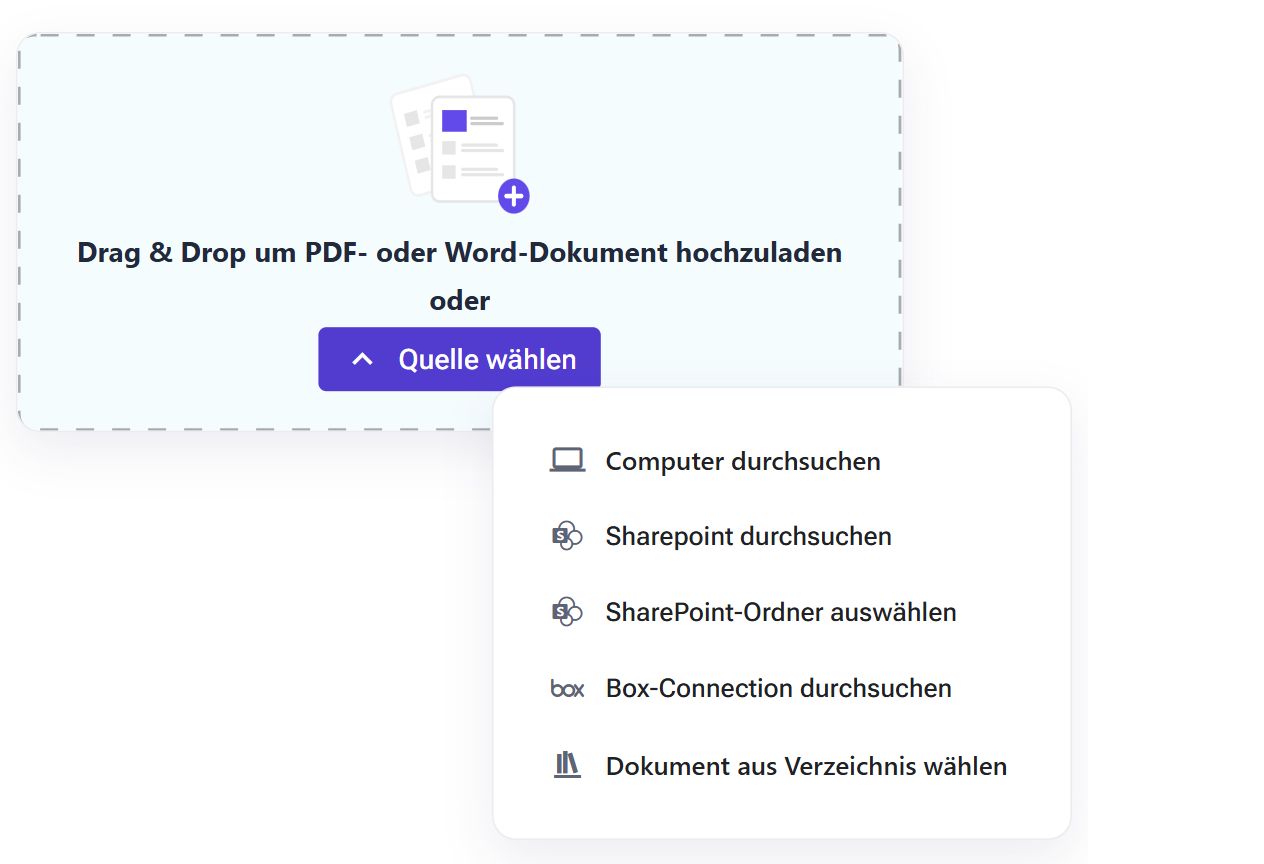
Upload PDF and Word files, select contracts from your document library or import entire folders from connected systems such as SharePoint. Kontrakte.AI offers a wide range of options for connecting to your existing systems. Together, we find the right connection and help you set it up.
Automatically classify, review against your standards
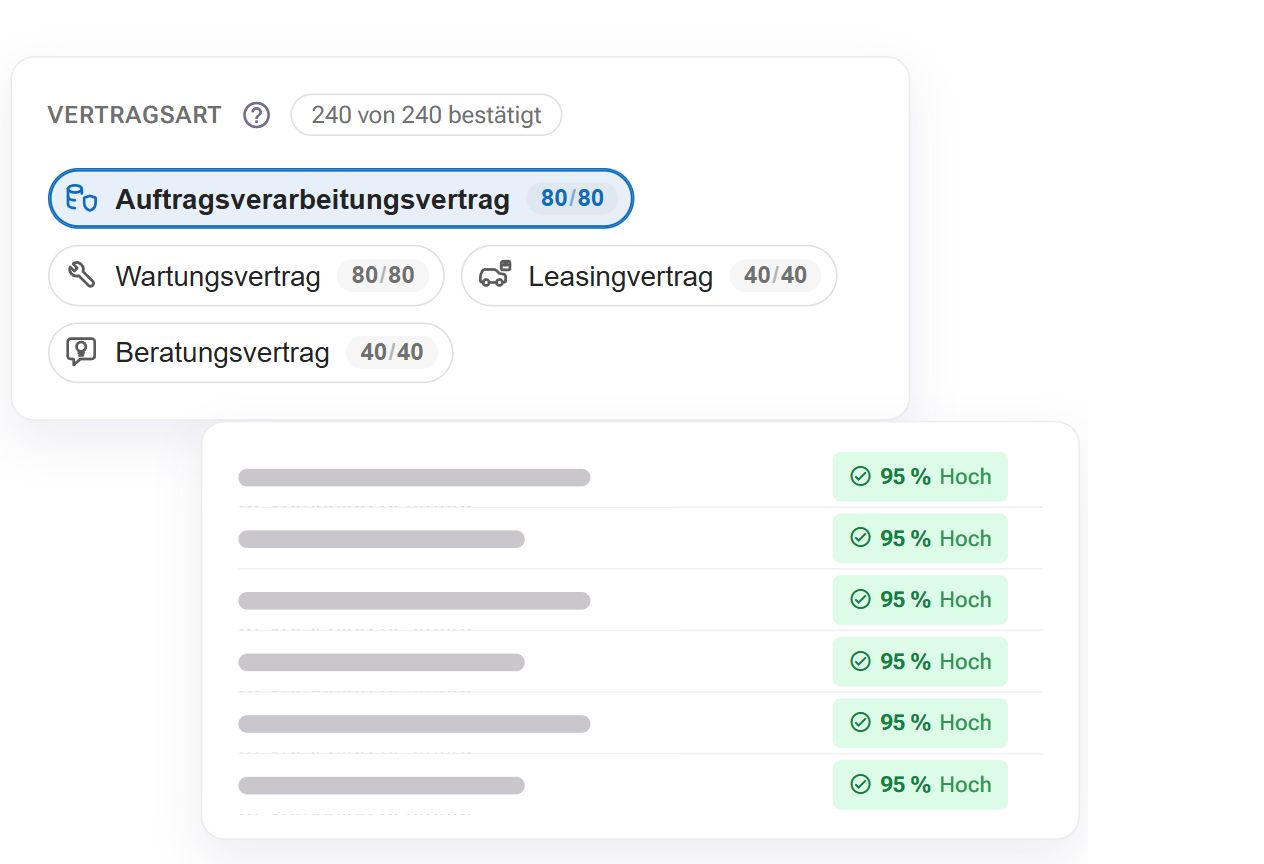
You decide whose perspective the review takes. Kontrakte.AI assigns your contracts to the appropriate contract types and reviews them using the existing standards and review questions. The AI also checks for further significant risks beyond the question set. You stay in control: review the classification and explore individual findings with your own questions.
Your standards for every contract type
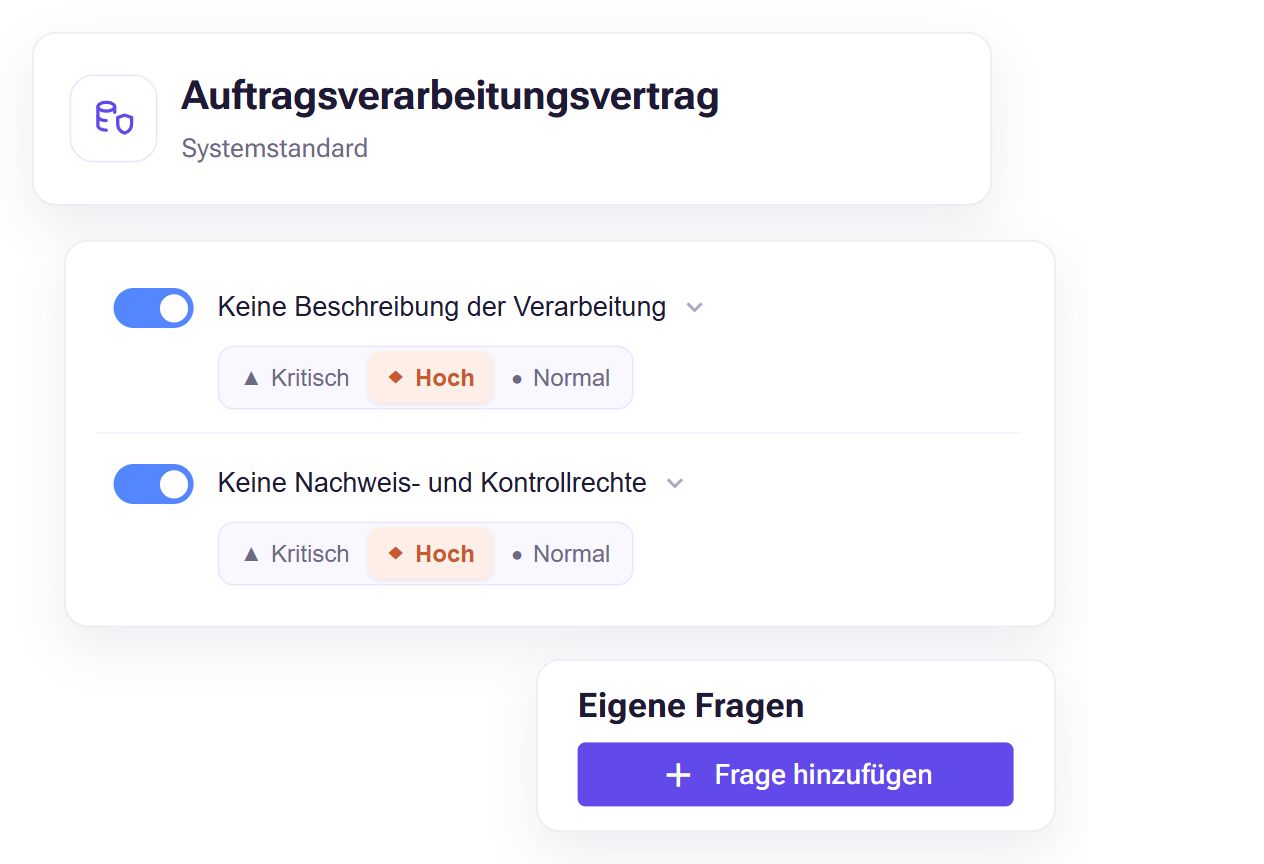
Use the supplied review standards and adapt them to your requirements. You determine which questions matter, how they are weighted and which of your own review criteria to add. You can also include your own contract types and checklists. This lets you review your entire portfolio against clear standards tailored to each contract type.
Live dashboard and portfolio radar
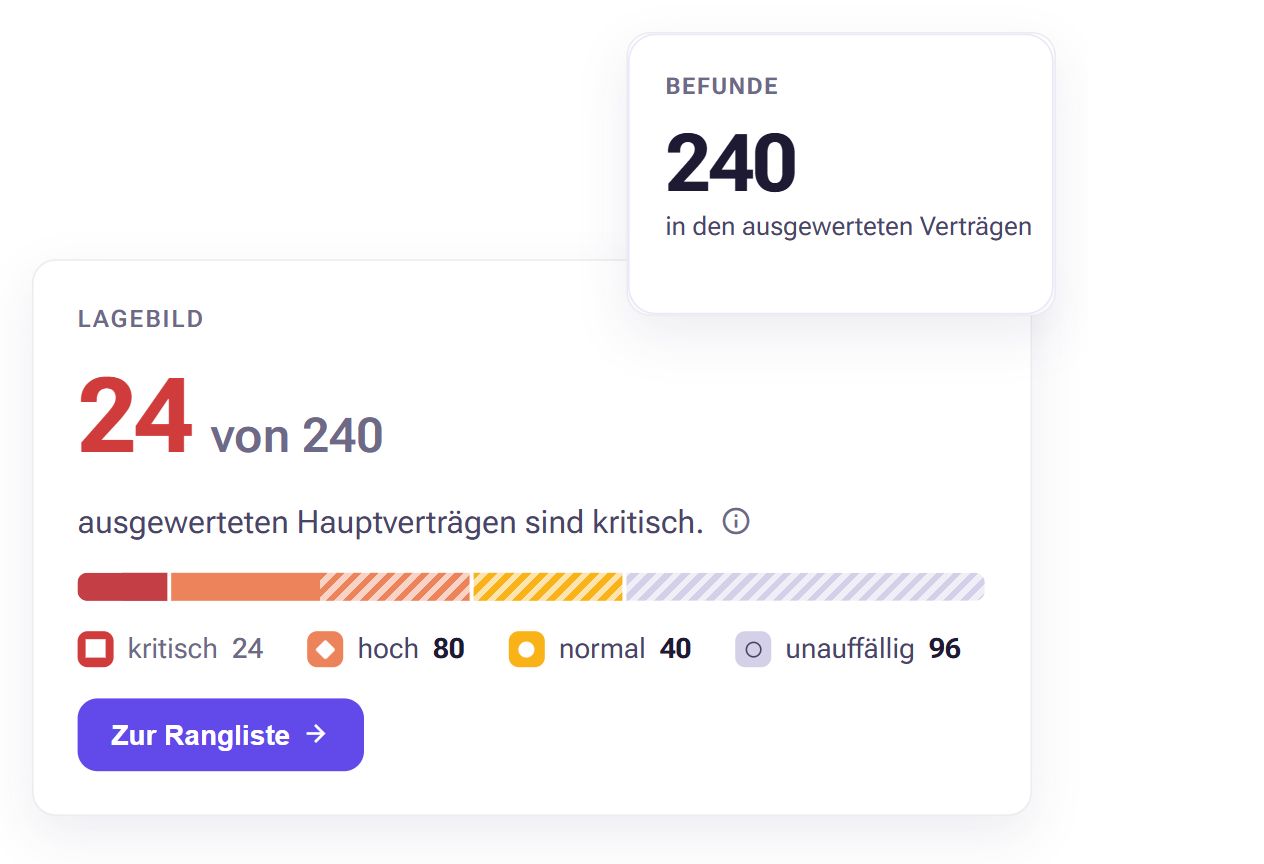
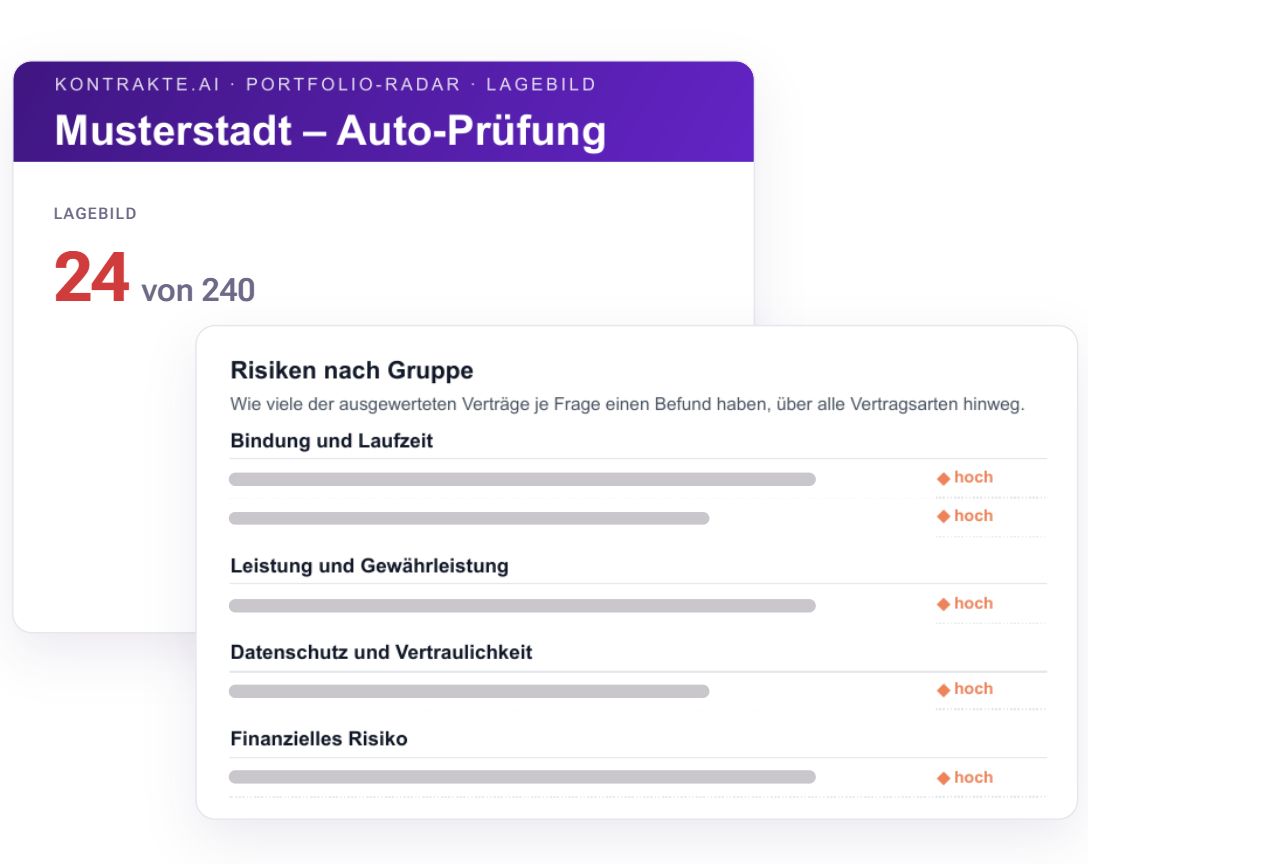
While the review is still running, the live dashboard shows a traffic-light matrix of review criterion and contract type: which criteria are critical how often, and in which contract types? One click takes you to the contracts behind it and on to the passage. In auto mode, the portfolio radar adds a portfolio overview across all contracts, a ranking of the most critical contracts and the risks by group. This helps you see where to focus first. Your confirmed assessments take priority over the AI suggestions.
Review in work packages
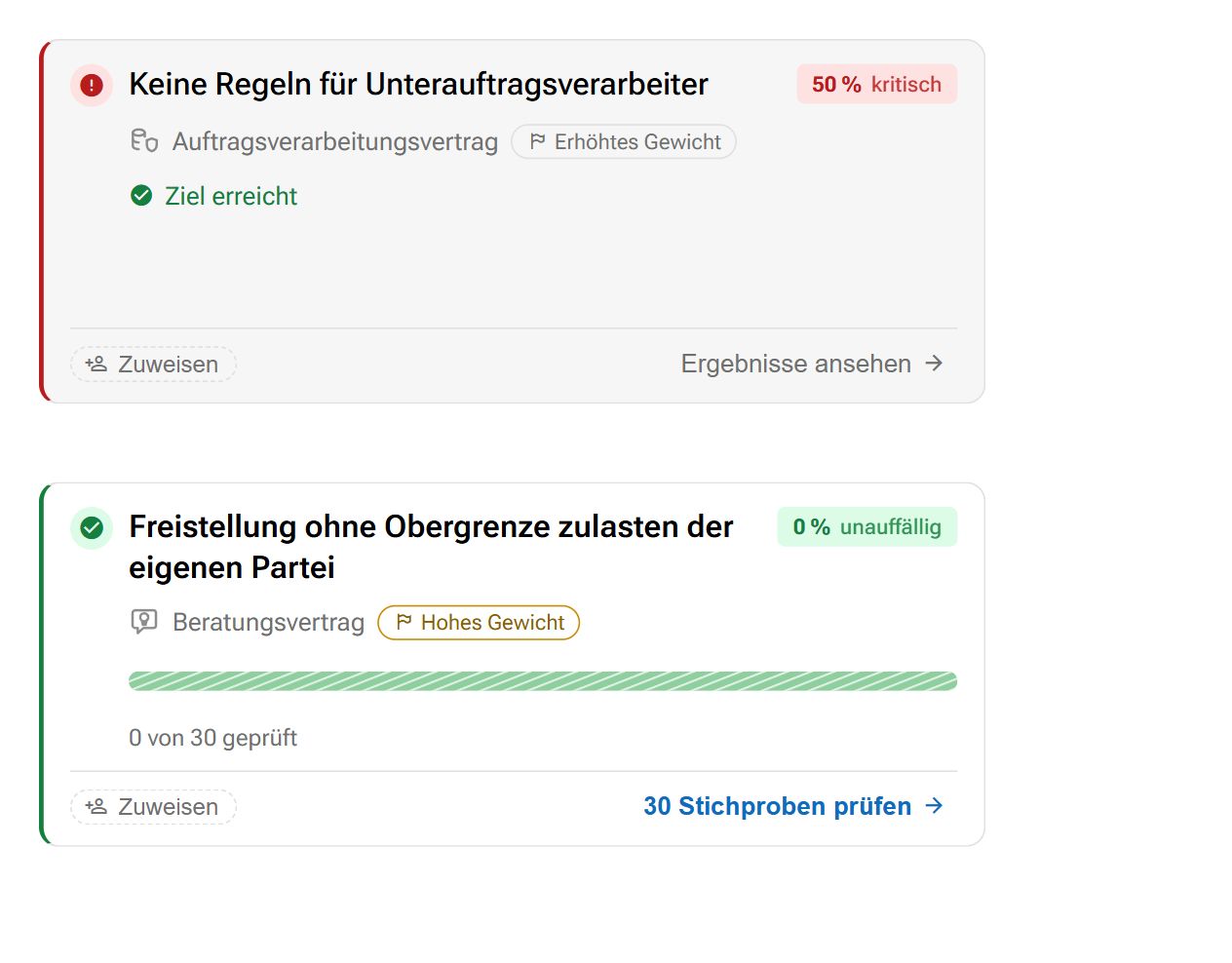
You split the review into work packages: one review question within one contract type, with a recommended sample size and an assigned person. You confirm results individually or in bulk. Anyone who overrides AI assessments in bulk gives a justification. Bulk actions appear in the history with name and time and can be undone. More on the human-in-the-loop principle.
Reports from executive summary to passage
You assemble the report from building blocks: an executive summary with a traffic-light matrix of criterion and contract type and the key findings for management, segment reports per contract type for the specialist departments, and a detail annex for critical contracts. If you wish, reports can be created before every result has been confirmed; the confirmation level is then shown in the report. Earlier versions remain available, and you can compare a report with the previous one. The Excel export distinguishes AI suggestion and confirmed assessment by colour. The changes at a glance: What's new: September 2026.
Typical use cases
- Due diligence and integration after an acquisition
- Taking stock of one contract type, such as all data processing agreements
- Internal audit and recurring review of a contract portfolio
Get in touch now
In a demo appointment, we show you the bulk check and discuss how it fits into your review process.

Frequently asked questions about bulk checks
Bulk checks help you review existing contracts in PDF or Word (.docx) format against shared requirements, for example for a portfolio assessment or a recurring review. Auto mode supports different contract types within one review. We can discuss which standards suit your portfolio based on your use case.
You can start with the built-in review standards and specify whose perspective the review takes. In auto mode, Kontrakte.AI assigns your contracts to the appropriate contract types and also checks for further significant risks beyond the question set. Your administrators can adapt the standards and add your own review criteria. You can also add your own questions later, so you do not need to define every question in advance.
From the results overview, you can open individual assessments and their referenced passages in the document. You can review, confirm or correct the AI suggestions there. The review can be divided into work packages and handled as a team, combining a portfolio overview with verification against the original text.
Access to a bulk check is controlled through permissions. Information about hosting, data processing and security measures is available on our security page. Please discuss any specific confidentiality requirements of your organisation with us before use.
The application provides a cost estimate for the review. Please contact us for specific prices and the terms for your organisation. Tell us about your contract portfolio and the scope of the review so we can clarify the costs for your use case.
Book a demo. We will show you bulk checks and discuss your use case and activation for your organisation. Bulk checks are not included in the standard free trial.

Check
Understand documents faster and keep your bearings even with complex content.

Negotiate
Coordinate directly in Kontrakte.AI and keep track at all times.